

Here’s a list of 18 things I bet you can get rid of today. We all have some of these random items laying around. What’s the worst that could happen if you got rid of it? I always ask myself this when I’m in a mood for tossing stuff. I…

Mastering the Art of Property Sourcing
Discovering properties with great renovation potential requires more than just luck; it demands a keen eye and strategic skills. In this post, we dive into how to master property sourcing to turn potential into profit. Efficient Property Searches Utilise Digital Tools: Real estate websites and apps are invaluable. Use detailed…

Understanding the Business Mindset Behind Renovation
Whether you’re a seasoned property developer or a homeowner looking to increase your property’s value, adopting a business-like approach to renovations can be a game changer. Let’s explore how you can transform your next renovation project from a mere aesthetic upgrade to a profitable venture. Property Renovation as a Business…

Hot Tip for Painting
Don’t Skip the Primer! Ever wondered why professional painters always start with a primer? Here’s why you should too! Paint-and-primer combos work well on already smooth, clean surfaces. But if your walls show any signs of wear or it’s been a while since their last coat (think eight years or…

How to choose tiles
Here’s a simple guide to help you find your perfect tile combination: 1. Whether you’re into the Hamptons, contemporary, earthy eco, or minimalist modern, there’s a style for everyone. If you don’t know your style, write down some colours you love. 2. Start by selecting 4 tiles that catch your…
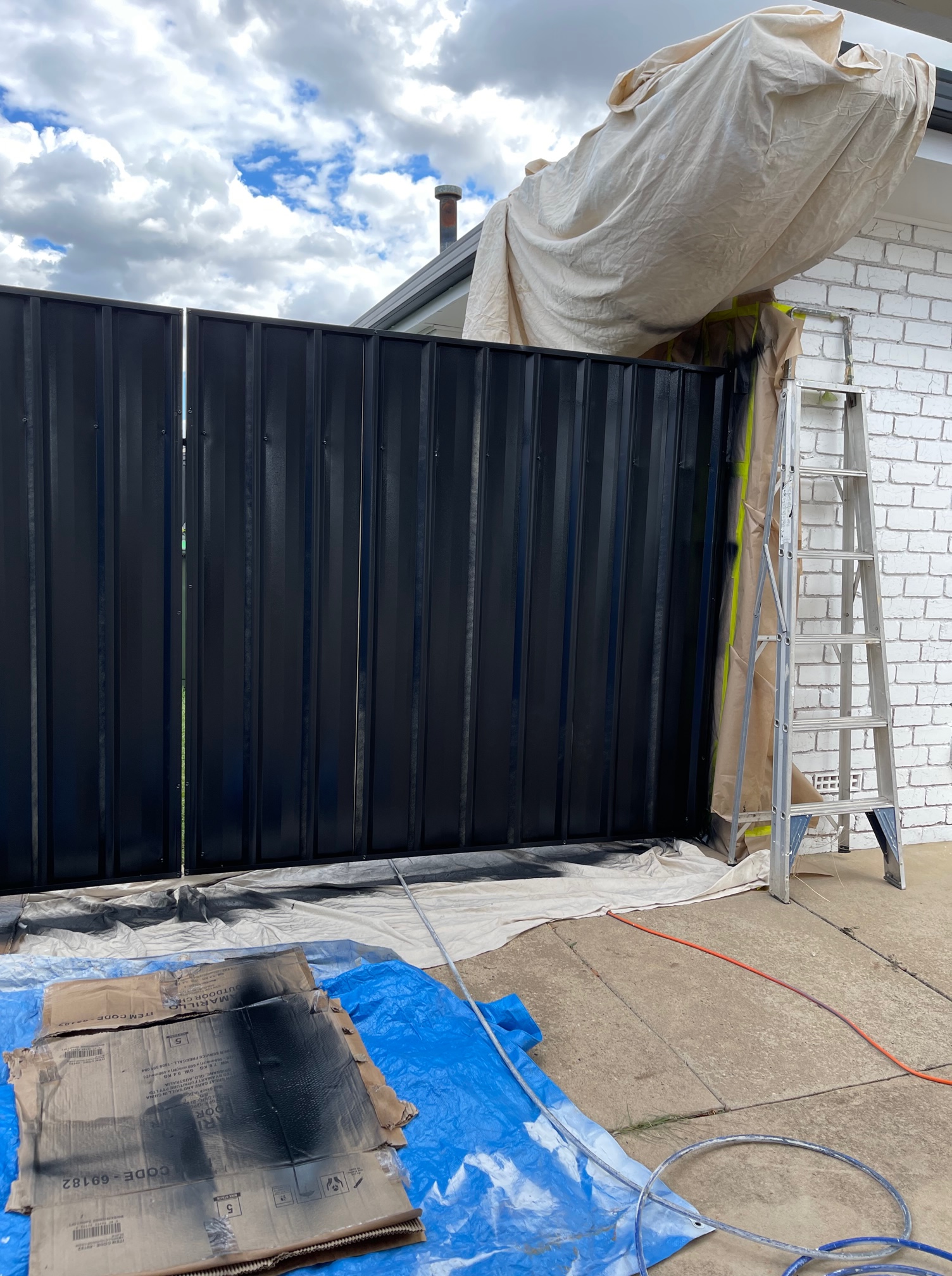
Renovation: Weighing the Risks Against the Rewards
Thinking about renovating your home? It’s exciting to imagine the possibilities, but it’s equally important to consider the risks alongside the potential rewards. The Challenges of Renovation Before you dive in, let’s break down what could go sideways: Market Fluctuations: The property market can change as quickly as the weather.…

What I Wish I Knew Before Starting My House Reno
Starting my house renovation felt a bit like gearing up for a big adventure. I had a vision and lots of inspo from Pinterest and those speedy home makeover shows. Little did I know, I was in for a reality check: everything takes way longer than you think. The Real…
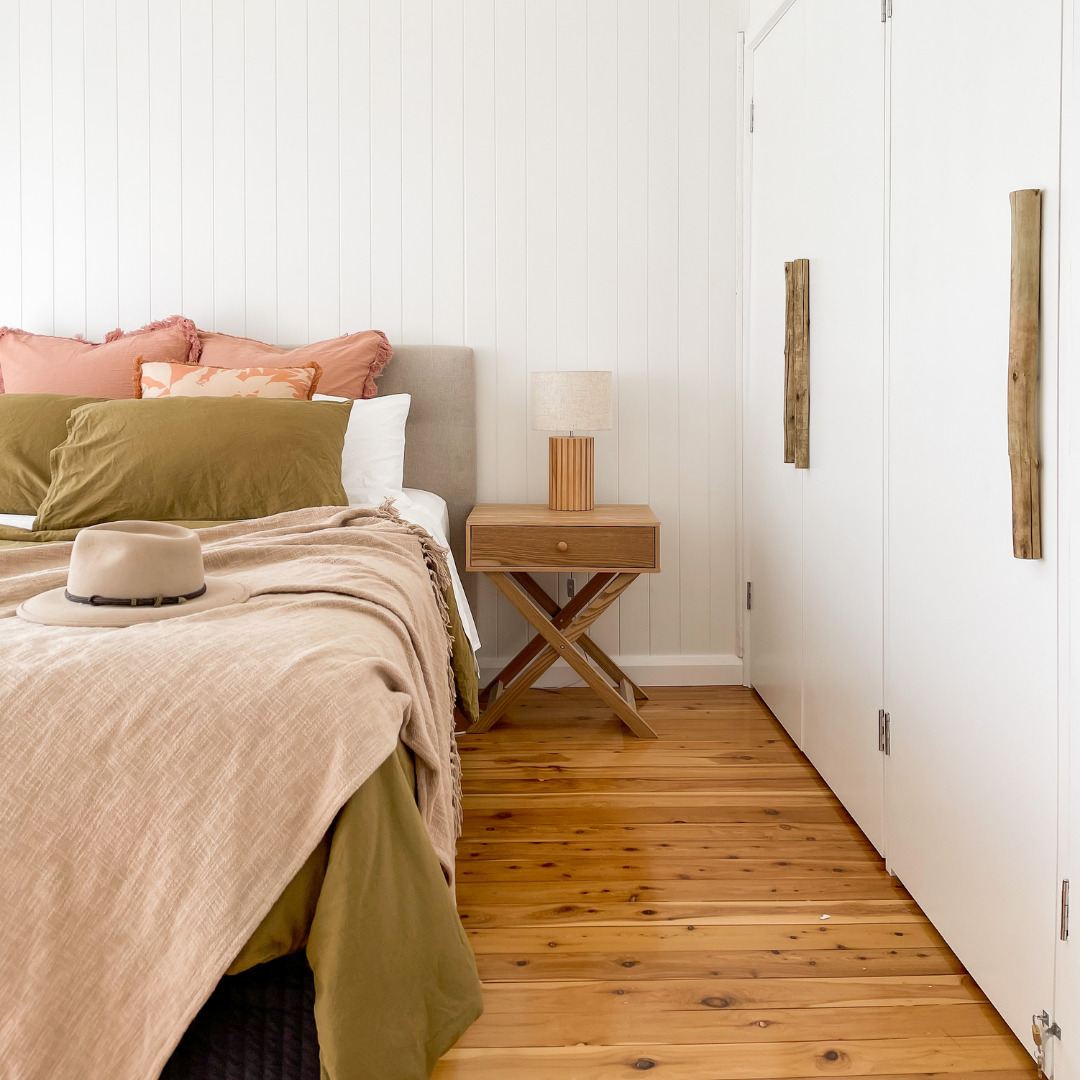
Embracing Eclectic Decor: Breaking Free from Decorating Themes
Hey there, fellow decor enthusiasts! Let’s talk about the world of decorating themes and styles that we’re surrounded by these days. Seriously, have you seen Instagram? It’s like a treasure trove of visual inspiration for all the design and decor lovers out there. There are some incredible homes showcased on…
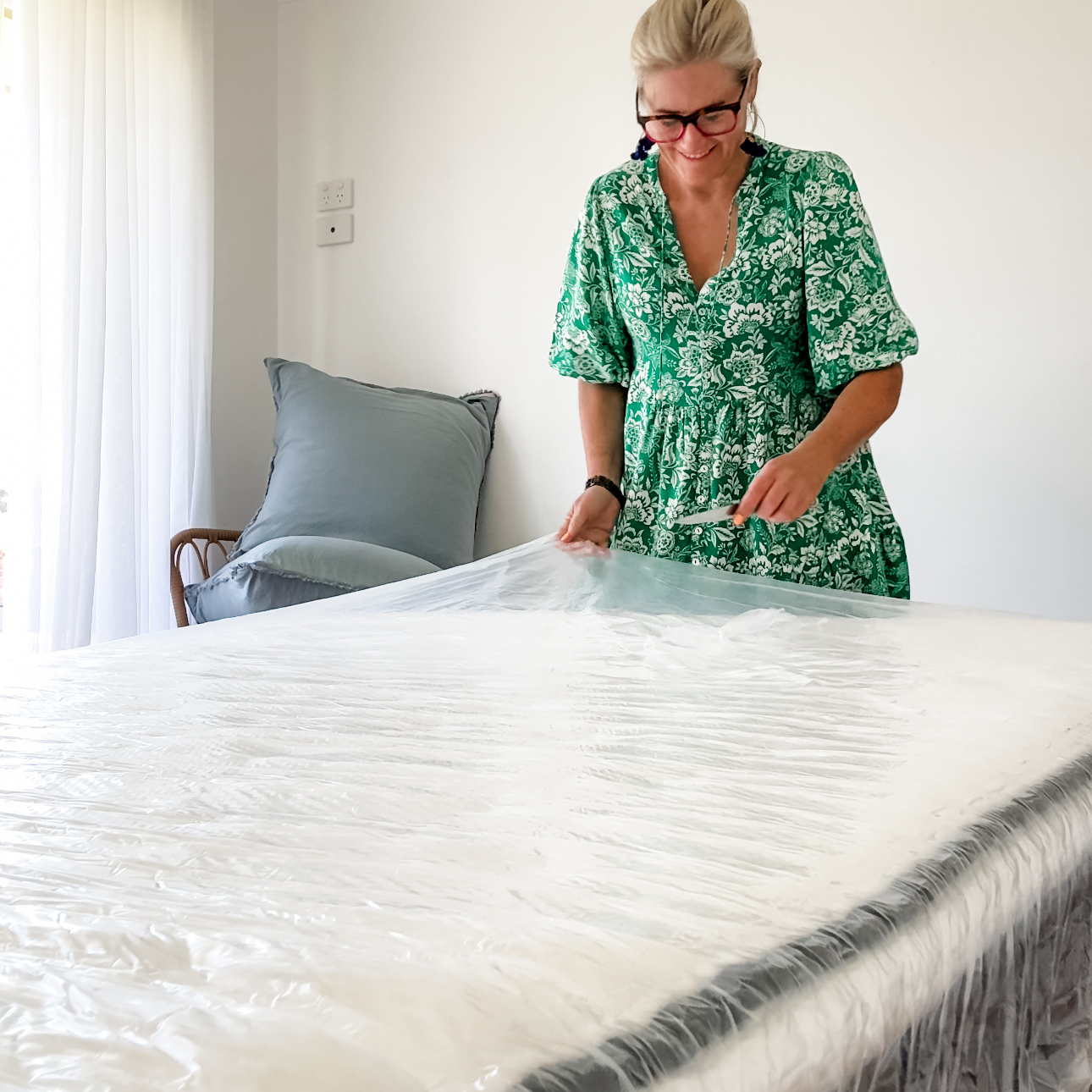
Why I’m Loving the Origin LumbarCloud Mattress (And Why You Will Too!)
Hey, everyone! So, I’ve been on a quest to find the perfect mattress for what feels like forever. You know, the kind that makes you hit the snooze button more than you should and makes mornings a little less daunting. Well, I think I’ve finally hit the jackpot with the…
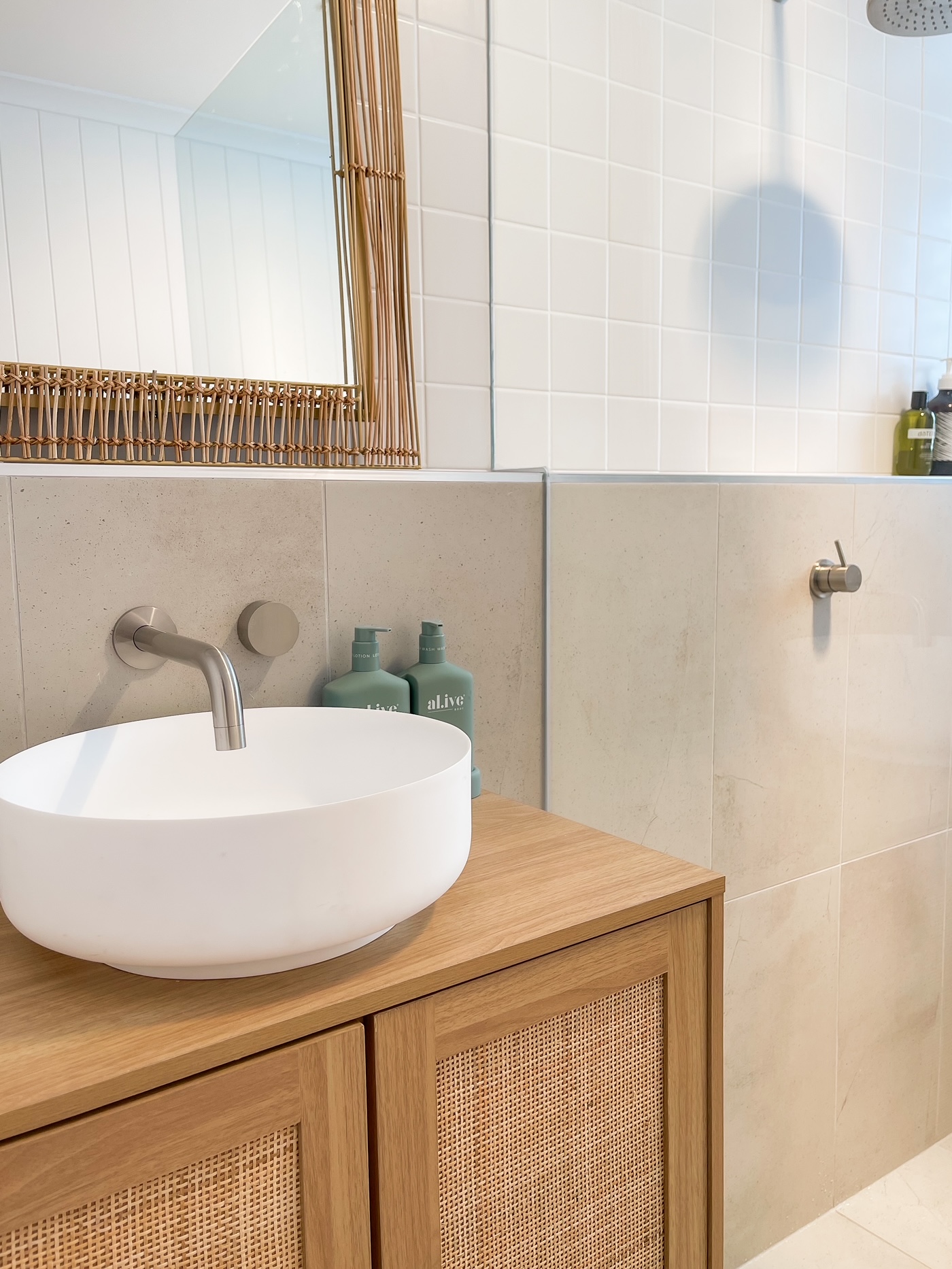
Transform Your Shower Experience with a Sleek Tile Niche & Mitred Edges!
When it comes to designing the perfect shower, it’s all in the details. That’s why I’m a huge advocate for the elegance and functionality of a tile niche, coupled with the seamless beauty of mitred edges. Here’s why these features are a must in your shower space: 1. Sophistication Meets…
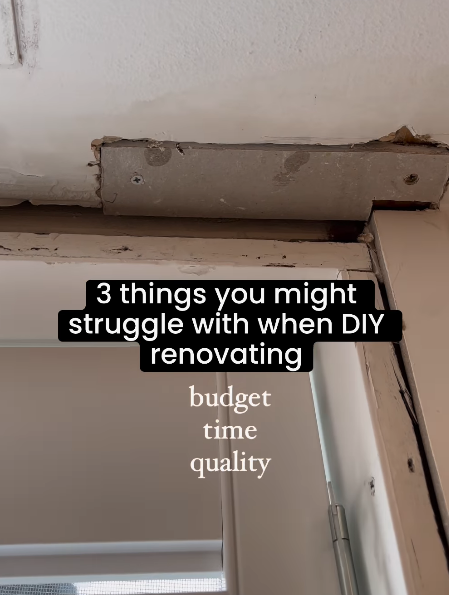
3 Things You Might Struggle With When DIY Renovating
Renovating your place? It’s exciting but tricky! Here are three things to watch out for: 1. Budgets can balloon – Surprise costs from unexpected repairs or price hikes can stretch your wallet. 2. Time flies – Delays from weather, material shortages, or busy tradies mean it might take longer than…

How Much Should You Spend on a Renovation
Planning a home renovation can be as thrilling as it is daunting, and the cost? Well, that’s as variable as this Aussie weather! The golden rule here is simple: size and scope are the main cost drivers. So, how do you navigate this financial fog? Start by splitting your renovation…